Clipboard - Paste Keyboard是NZDream開發的一款能夠在行動裝置上運行的生產應用應用程式,但使用最好的Android 模擬器-雷電模擬器 ,你可以在電腦上下載並暢玩Clipboard - Paste Keyboard。
在電腦上運行Clipboard - Paste Keyboard,您可以在大螢幕上清晰地瀏覽, 而用滑鼠和鍵盤操控應用程式比用觸摸屏鍵盤要快得多,同時你將永遠不必擔心設備的電量問題。
通過多開和同步功能,你甚至可以在PC上運行多個應用程式和帳戶。
而文件互傳功能讓分享圖像、影片和文件也變得非常容易。
下載Clipboard - Paste Keyboard並在PC上運行。享受PC端的大螢幕和高畫質畫質吧!
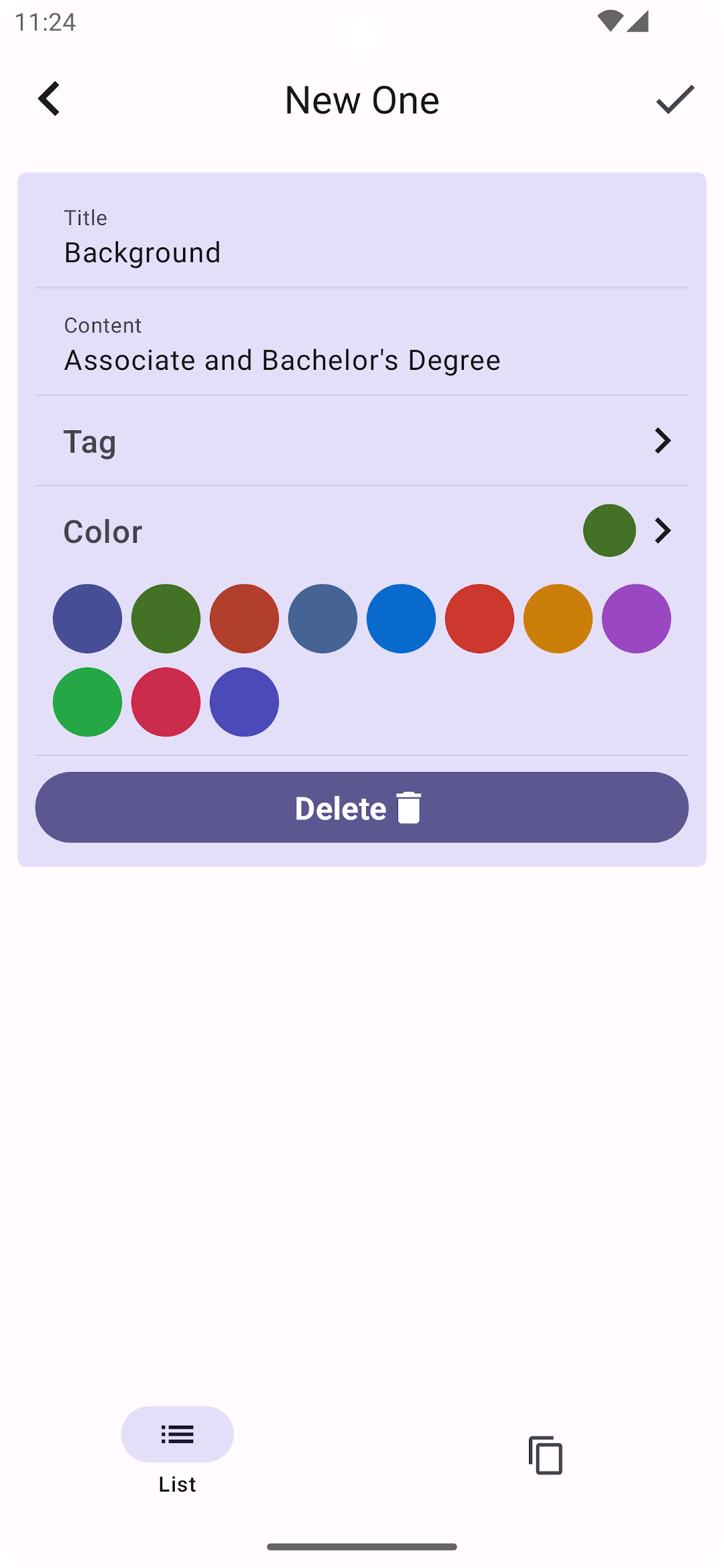
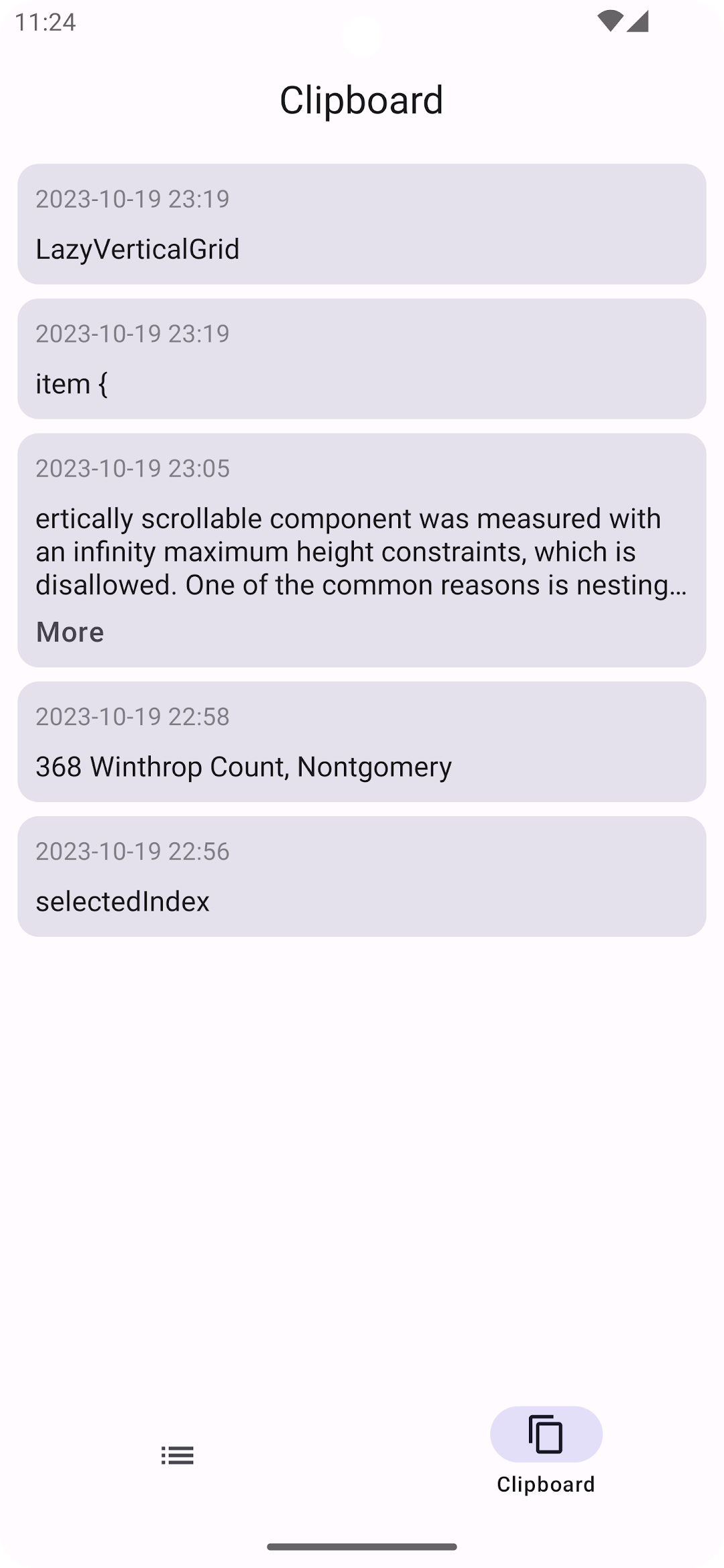
Clipboard is an efficiency tool designed for Android, facilitating the synchronization of all clipboard and checklist records seamlessly.It is innovatively designed to store a myriad of data types, including text, images, files, and more, aiding users in enhancing productivity, conserving time, and eliminating redundant inputs.
Features:
- Crafted for superior compatibility with Android devices, ensuring flawless clipboard data synchronization.
- Integrated with shortcut key selection capabilities, eliminating the necessity for mouse operations, simplifying usage.
- Customizable page arrangement features, allowing you to select a layout style that perfectly aligns with your preferences.
- Enhanced with search functionality, allowing for the swift and effortless location of historical clipboard data.
- Empowered with long-press and shortcut key functionalities, facilitating the convenient preview of rich text or image details.